
We’ve seen many family clinics make costly errors when picking electronic medical record systems. They focus on flashy demos that overlook critical features for daily patient care.
Family medicine is distinct because it covers a wide age range and medical conditions. Your EHR software must handle everything from routine check-ups to complex chronic disease management.
We’ll guide you through the key functionalities and EMR features your healthcare practice needs. We’ll ignore vendor hype and focus on what truly enhances your clinical workflow.
Key Takeaways
- Family practices require specialized EHR systems that handle diverse patient populations from infants to elderly adults
- The right electronic health record centralizes patient medical history, medications, immunizations, and clinical notes in one accessible location
- Essential capabilities differ significantly from “nice-to-have” features vendors emphasize during sales presentations
- Understanding must-have features protects practices from costly implementation mistakes and workflow disruptions
Understanding EMR Systems for Family Practice
Running a family clinic means your EMR system must handle a wide range of tasks. From pediatric immunizations to geriatric medication, it’s all part of your day. This makes choosing the right EMR for family medicine different from other specialties.
Let’s explore what matters when picking an electronic medical record system for your primary care. We’re focusing on practical features that make your work easier or harder.
Learn More: Key Differences Between EMR and EHR for Family Healthcare Clinics
What Makes Family Medicine EMR Different
Most EMR vendors won’t tell you that the best system for family medicine is unique. Specialists see similar conditions often, but you don’t have that luxury.
Your typical day might include a two-month-old with a fever to an 80-year-old’s Medicare wellness visit. Each requires different documentation and care.
Family medicine EMR systems need to be flexible in several areas:
- Support for patients of all ages, from newborns to the elderly
- Coverage of various conditions, including acute illnesses and chronic diseases
- Diverse documentation needs, including well-visits and procedures
- Integrated practice management for scheduling and billing
- Adaptable templates that fit your needs, not just specialty formats
The EMR for family medicine should be versatile, like a Swiss Army knife. If a system promises efficiency, it might be too specialized for your clinic.
Local vs Cloud-Based EMR Solutions
You’ll face a key decision when choosing an EMR: local or cloud-based. This choice affects your costs and your downtime.
Most family practices with fewer than ten providers benefit from cloud-based EMR solutions. This way, you can focus on medicine, not IT.
Local servers can be a problem, like when they crash on a Friday afternoon. With cloud-based systems, the vendor handles these issues, not you.
| Feature | Local Solution (LS) | Cloud-Based (ASP) |
|---|---|---|
| Upfront Investment | High server and infrastructure costs ($15,000-$50,000+) | Minimal hardware requirements, subscription-based pricing |
| Maintenance Responsibility | Your staff handles updates, backups, troubleshooting | Vendor manages all technical maintenance and updates |
| Disaster Recovery | You must implement backup systems and recovery plans | Automatic redundancy and backup included in service |
| Remote Access | Requires VPN setup and additional security configuration | Built-in secure access from any internet connection |
| Scalability | Hardware upgrades needed as practice grows | Seamless scaling with subscription adjustments |
The ASP model offers peace of mind with automatic updates and backups. You focus on patient care without worrying about IT.
Security and HIPAA Compliance Essentials
HIPAA compliance is non-negotiable for any EHR system. Your patients trust you with their sensitive information. A breach can damage your reputation and finances.
Your EMR must include these critical security features:
- End-to-end encryption: Data encrypted both in transit and at rest
- Role-based access controls: Not everyone needs access to every patient record
- Automatic session timeouts: Systems lock when someone walks away
- Comprehensive audit trails: Every access and modification logged with timestamps
- Multi-factor authentication: Additional verification beyond passwords
When choosing an EMR vendor, demand clear answers about their security architecture. Ask about their security audits, incident response plan, and disaster recovery. Don’t just take their word for it—ask for documentation.
Remember, HIPAA violations can cost up to $1.5 million annually. But the real cost is losing patient trust.
Core EMR Features Every Family Clinic Needs
When evaluating family medicine EMR systems, certain core features stand out. These features significantly impact your workflow, enhance patient care, and ensure a profitable practice without staff burnout.
The right range of features transforms your electronic health record into a powerful tool. It supports your practice’s needs, moving beyond mere compliance. Let’s explore the essential features you need.
Customizable Templates for Common Conditions
If your EMR lacks customizable templates, you’re starting from scratch with every patient. This is not just inefficient—it’s exhausting.
Family medicine involves seeing numerous similar cases daily. You’ll document countless diabetes follow-ups, annual physicals, and more. Smart templates for these scenarios can cut your documentation time in half. The best templates include quick-access elements for your most used components: pre-loaded physical exam findings, preferred diagnostic codes, medication links, and treatment protocols.
Consider well-child visits. With designed templates, you can document a complete newborn check in under three minutes. This is not cutting corners—it’s working smarter.
Your templates should also cover specialty procedures like pap smears and IUD insertions. Flexibility is key. Look for EMR tools that allow you to modify or create templates without IT support.
Patient Charting and Documentation Tools
Your charting tools should mirror your clinical thinking, not force you into a developer’s idea.
Effective charting starts with intuitive navigation. When Mrs. Rodriguez visits, you should instantly access her complete records. Her last visit’s notes, current medications, lab results, and allergies should be visible at a glance.
Modern tools support different charting styles. Some prefer SOAP notes, others problem-oriented formats. Your system should accommodate your preference without rigid structures.
The best systems integrate patient data from various sources into a cohesive view. You shouldn’t toggle between screens for medications, allergies, and vital signs. All relevant information for today’s visit should be accessible immediately.
Voice-to-text capabilities can greatly improve efficiency for dictation users. Real-time transcription allows you to document while maintaining eye contact with patients—a game-changer for rapport building.
Don’t overlook mobile charting capabilities. Whether you’re doing hospital rounds or visiting patients in nursing homes, secure access to patient information from any device is essential.
E-Prescribing and Medication Management
E-prescribing is no longer optional. Modern e-prescribing checks for drug interactions, flags allergies, and suggests cost-effective alternatives.
Here’s what robust medication management should include:
- Direct transmission to your patient’s preferred pharmacy with confirmation tracking
- One-click refill authorization that doesn’t interrupt your workflow
- Comprehensive medication history that includes prescriptions from other providers
- Formulary checking that shows which medications are covered by the patient’s insurance
- Prior authorization alerts so you’re not surprised when a pharmacy calls
The interaction checking feature alone can prevent serious adverse events. When prescribing a new medication, the system instantly analyzes interactions with current medications and allergies.
Integration with state prescription drug monitoring programs (PDMPs) is also critical. You need seamless access to controlled substance histories for informed prescribing decisions.
Good e-prescribing tools streamline prior authorization workflows. They auto-populate forms with patient information and clinical notes, saving hours of manual data entry.
Lab Integration and Results Tracking
If you’re manually entering lab results or sorting through fax piles, you’re wasting hours weekly. Proper lab integration is essential for safe, coordinated care.
Your EMR should connect directly with major laboratory companies. When Mr. Thompson’s lipid panel comes back, those results should automatically import into his chart.
Here’s what complete lab integration looks like in practice:
- Automatic import of results into the correct patient chart with specimen tracking
- Real-time alerts for abnormal or critical values that require immediate attention
- Trend analysis showing how values change over time for chronic disease management
- Easy-to-read result displays for both providers and patients through portals
- Pending test tracking so nothing falls through the cracks
Results should display in formats that make clinical interpretation easy. Color-coded abnormal values, graphical trends, and comparison to previous results help you make faster decisions.
The bottom line? These core capabilities—customizable templates, intuitive charting tools, robust e-prescribing, and seamless lab integration—are not luxury features. They are the foundation for delivering high-quality patient care while maintaining efficiency and supporting your team’s workflow. When these essential features work together harmoniously, they streamline operations and improve patient outcomes simultaneously.
Patient Engagement and Portal Capabilities
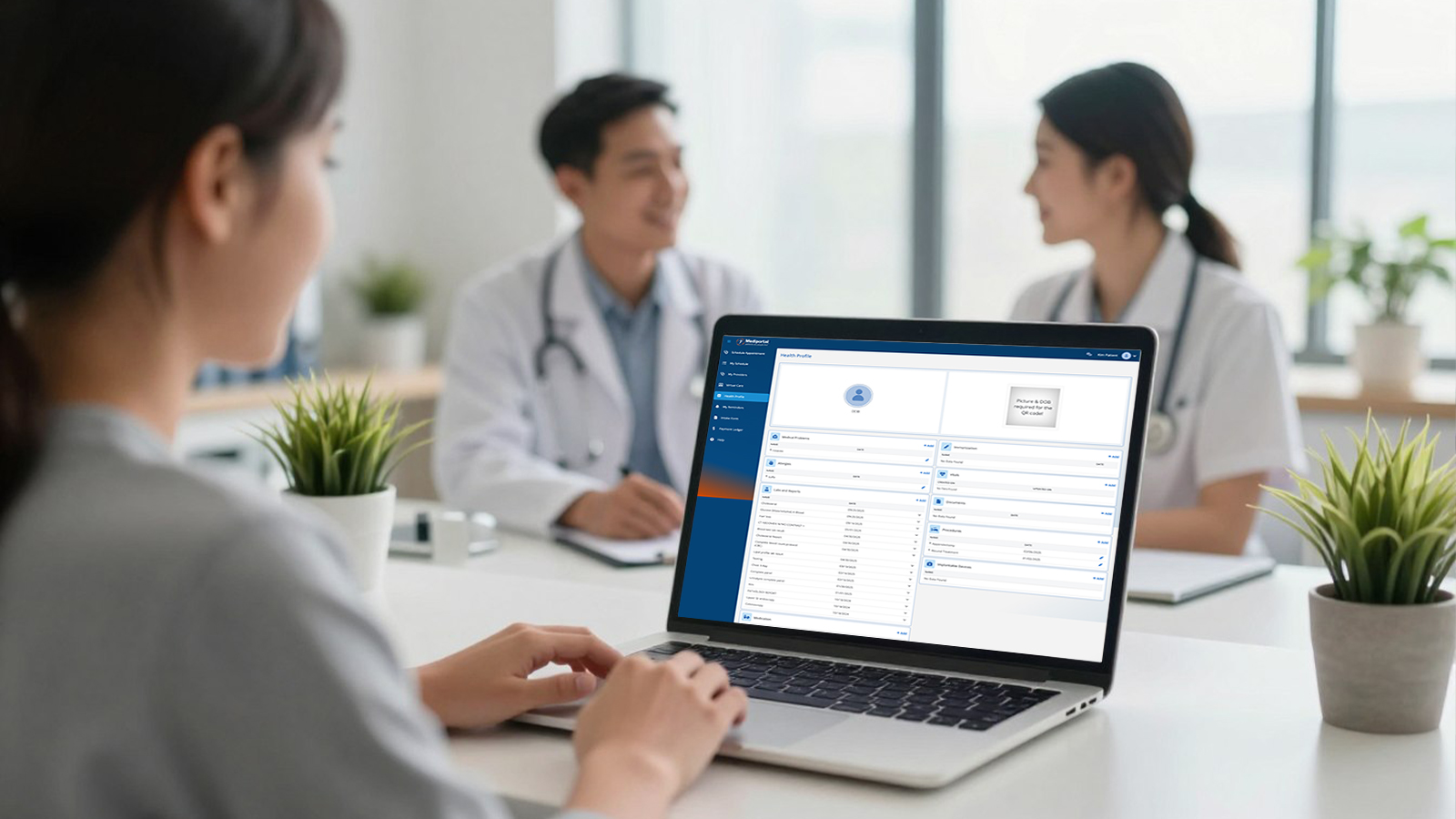
Your EMR’s patient engagement features can be the difference between a practice that struggles with administrative overload and one that runs smoothly. The right tools don’t just make your patients happier—they free up your staff to focus on quality care.
Patient engagement technology has evolved dramatically. What started as basic appointment reminders has become a complete digital ecosystem. Your patients now expect the same convenience from their healthcare provider that they get from their banking app or favorite retailer.
Think about it this way: every patient who schedules their own appointment or requests a prescription refill online is one less phone call tying up your front desk. That’s real practice efficiency you can measure.
Secure Patient Communication Tools
Secure messaging within your patient portal creates a direct line between your practice and patients without phone tag nightmare. I’ve seen practices reduce administrative call volume by 40% after implementing solid communication features.
The best communication tools let patients ask quick questions without needing a full appointment. Your staff can respond efficiently through the portal, with all conversations automatically documented in the patient’s medical history.
Online Appointment Scheduling and Reminders
Appointment scheduling features separate top EMR systems from mediocre ones. Real-time availability that syncs with your calendar means patients can book appointments when it’s convenient for them—even at 11 PM on a Sunday.
We’ve tracked practices that implemented online scheduling and watched their appointment utilization jump by 20%. Those evening and early morning time slots that used to go unfilled? Patients grab them when they’re browsing your portal after work.
Automated reminders are the secret weapon against no-shows. Text messages and emails sent 48 and 24 hours before appointments can drop your no-show rate from 15-20% down to under 5%. That’s not just recovered time—it’s real revenue your practice was leaving on the table.
The best systems let patients confirm, cancel, or reschedule directly from the reminder message. This flexibility helps your practice fill last-minute cancellations and keeps your schedule optimized. You should be able to customize reminder timing and content for different appointment types, ensuring test preparation instructions or fasting requirements reach patients when they need them.
Access to Medical Records and Test Results
Patients want immediate access to their medical records, and frankly, they should have it. The days of waiting days for lab results or calling repeatedly to check on test outcomes are over. A robust patient portal provides instant access to lab results, visit summaries, immunization records, and medication lists—all in one centralized location.
Here’s what makes this feature truly valuable: context. Simply dumping raw lab values into a portal confuses patients and generates panicked calls. The best portals include educational materials explaining what results mean, highlighting values outside normal ranges with clear explanations, and indicating when follow-up is needed.
Your patients can review their complete patient’s medical history before appointments, which leads to more productive visits. They can also easily share records with specialists or when traveling. This accessibility helps your practice meet meaningful use requirements while genuinely improving care coordination.
Prescription Refill Requests and Forms
Prescription refill requests through the patient portal streamline one of the most time-consuming administrative tasks in family practice. Instead of fielding phone calls, deciphering voicemails, and manually processing requests, your staff receives organized digital requests that route directly to the appropriate provider.
The workflow improvement is substantial. Requests include medication name, pharmacy information, and patient details automatically pulled from the system. Your providers can approve or modify refills with a single click, and the prescription flows directly to the pharmacy through integrated e-prescribing.
Online forms represent another huge efficiency gain. New patient intake, medical history updates, consent forms, and insurance information can all be completed before the patient walks through your door.
| Portal Feature | Impact on Practice Efficiency | Patient Satisfaction Benefit | Implementation Priority |
|---|---|---|---|
| Secure Messaging | Reduces phone volume by 30-40% | Quick answers without office visits | High |
| Online Scheduling | Increases appointment utilization by 20% | Book appointments 24/7 | Critical |
| Results Access | Eliminates 60% of results inquiry calls | Immediate access with context | High |
| Prescription Refills | Saves 15-20 staff hours weekly | Convenient medication management | Critical |
| Digital Forms | Reduces check-in time by 10 minutes | Complete paperwork at home | Medium |
When evaluating the best EMRs for small practices, portal capabilities should rank near the top of your criteria. An EMR should fit your specific practice needs while providing the patient engagement tools that enhance practice operations and help your practice grow with your patient base.
The reality is simple: patient portals aren’t just about keeping up with technology trends. They’re about meeting patient expectations, improving care quality, and making your practice run more efficiently. Choose a system that makes these features intuitive for both your staff and your patients, and you’ll see the benefits in reduced administrative burden and improved patient satisfaction scores.
Why Mediportal EMR is Right for Your Family Practice
Choosing the right EMR software is not about finding the “best” system. It’s about finding one that fits your practice perfectly. At Mediportal, we’ve learned that successful EMR adoption aligns with your practice’s operations.
A solo rural physician managing 15 patients daily has different needs than a twelve-doctor urban clinic. Your EMR must match your reality, not an idealized vision. Honest assessment is your most valuable tool in this process.
Matching EMR Capabilities to Your Practice Reality
Start by looking at your practice size. Consider how many providers you have today and where you’ll be in three years. An EMR that works for a small practice might struggle with a larger one. The right EMR software needs to grow with your practice, not force you into expensive migrations.
Patient volume drives your technical requirements. If you’re seeing 40+ patients daily, your system needs lightning-fast performance. Lower-volume practices might prioritize depth of documentation tools over raw speed. Each approach is different, requiring different solutions.
| Practice Type | Primary EMR Requirements | Critical Features | Growth Considerations |
|---|---|---|---|
| Solo/Small (1-3 providers) | Easy documentation, low complexity, cost-effective | Basic templates, e-prescribing, patient portal | Multi-provider licensing, scalable pricing |
| Mid-Size (4-8 providers) | Workflow efficiency, practice management integration | Custom templates, revenue cycle management, reporting | Multiple location support, advanced billing |
| Large (9+ providers) | Enterprise features, multi-location, robust reporting | Population health, analytics, HIPAA-compliant messaging | Interoperability, API access, scalable infrastructure |
| Specialty-Focused | Specialty-specific templates, procedure tracking | Customizable workflows, specialty coding support | Expandable specialty modules, integration flexibility |
Your EMR vendor selection should include thorough corporate due diligence. Look at how many family medical practices use their system. Consider the vendor’s support location and employee count in your service area. These factors determine the quality of support you’ll receive.
Implementation Strategy That Actually Works
Most healthcare practice implementations fail because they rush. Plan for a realistic 3-6 month implementation timeline. This allows for data migration, staff training, and testing. Rushing through this process can cost you more in the long run.
Your EMR selection team should include representatives from every role in your practice. Clinical staff, front desk, nursing, billing, and practice management all need a voice. Their input prevents countless headaches later.
Staff training can’t be rushed. Every team member needs specific training for their role.
Create a clear vision and communicate it relentlessly. Explain why you’re implementing this system and how it will improve efficiency and patient care. When staff understand the “why,” they become advocates for the change.
Be honest about the transition period impact. Most practices see reduced patient visit numbers or extended visit times for 2-4 months. Budget for this temporary productivity dip to avoid being caught off-guard.
Real Numbers: Investment and Returns
Let’s talk money, because choosing EMR software without understanding true costs is financial malpractice. You’re looking at two cost categories: initial implementation and ongoing operational expenses. Both matter to your bottom line and long-term practice efficiency.
Initial costs include software licenses, hardware upgrades, implementation services, training, and data migration. Most family practices should budget $25,000-$75,000 for complete initial implementation. That’s not small change, and it deserves careful planning.
Ongoing costs include monthly software fees, technical support, system updates, and maintenance. Cloud-based solutions shift hardware costs to predictable monthly fees, while on-premise systems require more upfront investment but lower monthly costs. Each approach has merits depending on your financial structure and risk tolerance.
Don’t forget the hidden costs: bandwidth requirements, hardware specifications, third-party software, and interface fees. A thorough EMR vendor evaluation includes detailed cost transparency for all these elements.
Well-implemented EMR systems typically deliver 15-25% increases in billing capture. They catch charges that paper-based systems miss. You’ll see 20-30% reductions in transcription costs and significant decreases in chart pulls, filing time, and storage costs.
Revenue cycle management improves significantly with electronic workflows. Claim denials decrease, and payment cycles accelerate. Most practices see their EMR investment pay for itself within 18-24 months, then continue delivering value for years afterward.
At Mediportal, we specialize in family practice EMRs because we understand your unique challenges. We don’t just sell you software and disappear—we partner with you through selection, implementation, optimization, and ongoing support. Our goal is to help you streamline operations, improve efficiency, and deliver better patient care while running a more profitable practice.
Conclusion
The best EMR software adapts to your workflow, not the other way around. It offers customizable templates, intuitive charting, e-prescribing, lab integration, and robust patient portals.
The right EMR transforms your practice, allowing physicians to leave on time, staff to feel empowered, and patients to engage more in their care.
Mediportal specializes in family medical EMR solutions across the United States. Our commitment extends beyond implementation. Ready to find an EMR system that fits your family medicine practice? Let’s explore options that improve patient outcomes and enhance practice performance together.
FAQ
1. Does practice management software integrate with EMR systems for family clinics?
Yes, the best ehr systems include integrated practice management software for scheduling, billing, and registration. Unified systems eliminate duplicate data entry and streamline workflows between clinical documentation and administrative tasks.
2. How does EMR software handle medical billing for family practices?
Key features include integrated charge capture, real-time eligibility checking, and electronic claims submission. Modern EMR systems suggest appropriate CPT codes based on documentation and scrub claims before submission to reduce denials.
3. What data sharing capabilities should family practices prioritize in an EMR?
Effective data sharing requires direct integration with laboratories, hospitals, and specialists through HL7 or FHIR protocols. Interoperability allows automatic import of lab results, specialist notes, and hospital discharge summaries into patient charts.
4. Can practice management software and medical billing be handled in one EMR system?
Integrated solutions combine clinical documentation with management features like appointment scheduling, insurance verification, and revenue cycle management. Single-system approaches eliminate interface fees and synchronization errors between separate platforms.
5. Why is secure data sharing between providers essential in the best ehr systems?
Care coordination depends on seamless data sharing with hospitals, specialists, pharmacies, and laboratories. The best ehr platforms support automatic bidirectional exchange of patient information while maintaining HIPAA-compliant security protocols.